

Creating a Diwali post in Hindi can be a beautiful way to celebrate and share the festival with your friends and family. Here are some steps and ideas for designing a festive, attractive Diwali post:
1. Choose a Theme or Style
- Traditional Elements: Use lamps (diya), rangoli patterns, lotus flowers, firecrackers, or fireworks.
- Color Scheme: Opt for rich and vibrant colors like deep red, gold, saffron, orange, and blue.
- Minimalist Look: For a modern touch, use a simpler layout with elegant fonts and a softer color palette.
2. Select Background & Layout
- Background: Choose an image or pattern that reflects Diwali, like a gradient sunset or an illuminated diya background.
- Layout: Leave space at the top or center for the main message, surrounded by decorative patterns or images.
3. Write a Festive Message in Hindi
- Use phrases like:
- “दीपावली की हार्दिक शुभकामनाएं!” (Heartfelt wishes for Diwali!)
- “रोशनी और खुशियों से भरी हो आपकी दिवाली!” (May your Diwali be filled with light and joy!)
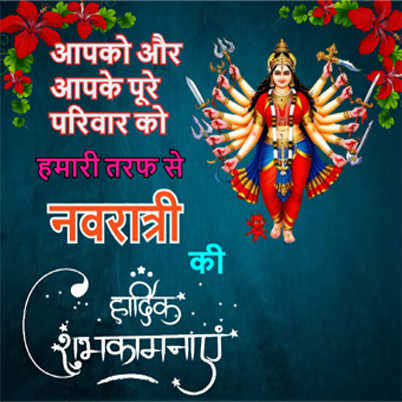
- “आपको और आपके परिवार को दीपावली की शुभकामनाएं!” (Wishing you and your family a Happy Diwali!)
4. Add Hindi Fonts & Typography
- Use decorative Hindi fonts for the main message to add an elegant touch.
- Tools like Google Fonts offer free Hindi fonts, or try design platforms like Canva or Adobe Express, which have Diwali-themed templates in Hindi.
5. Decorate with Diwali Symbols
- Add vector icons like diyas, sparklers, or mandalas.
- Use images of traditional sweets, flowers, or small, intricate rangoli designs for authenticity.
6. Add Personal Touches
- Include your family or business name in Hindi.
- You could also add a personal photo with a Diwali filter.
7. Create on a Design Platform
- Tools like CSC Designer or PicsArt have templates you can customize in Hindi and offer a variety of Diwali elements.



Reviews
There are no reviews yet.